
Work-from-home typing describes remote roles where an individual converts spoken or handwritten material into digital text, enters structured information into databases or spreadsheets, formats documents, or produces typed content for administrative purposes. These roles typically rely on a steady internet connection, a word processor or spreadsheet application, and a workflow that moves files between a client or platform and the remote worker. Tasks can range from short-form data entry to longer transcription assignments that require listening and typing from audio, and each type follows distinct quality and turnaround expectations.
Functioning remotely, typing roles often follow predictable pipelines: a task is posted or assigned, files are downloaded, the worker completes the typing and formatting, and the deliverable is uploaded or submitted for review. Compensation arrangements may vary and can be structured per hour, per task, per word, or per minute of audio, depending on the client or platform. Communication about clarifications, file formats, deadlines, and revisions usually happens through email, messaging systems, or platform-specific interfaces. Data privacy, accuracy standards, and version control are common considerations throughout these exchanges.
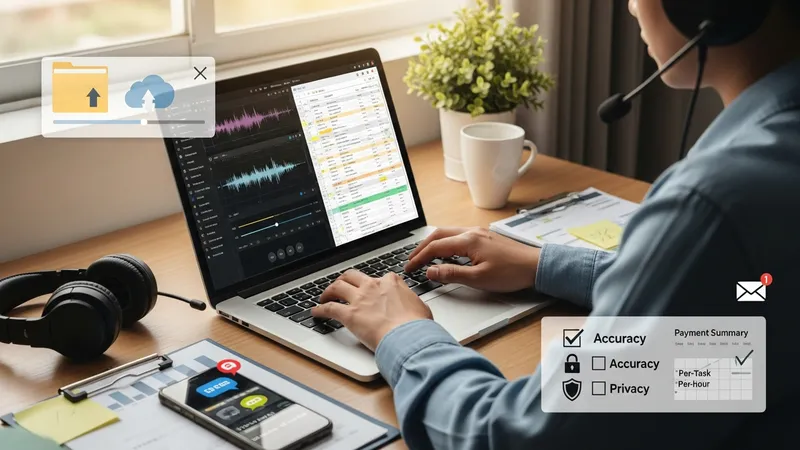
Different task categories may demand different software and quality checks. For example, transcription work often uses audio playback tools, timestamping conventions, and noise-reduction techniques to support accurate typing. Data-entry assignments typically depend on spreadsheet functions, drop-down validations, and consistent input formats to reduce downstream errors. Document preparation can involve style guides, consistent heading structures, and file-format conversion. Understanding the expected deliverable format ahead of time can reduce rework and clarify whether light editing or strict verbatim capture is required.
Turnaround expectations and scheduling vary by assignment type and client needs. Short data-entry tasks may be expected within hours, while longer transcription tasks commonly allow days, depending on length and complexity. Remote schedulers often negotiate deadlines based on estimated words-per-hour or minutes-per-hour completed; these estimates can vary widely with audio clarity, familiarity with topic vocabulary, or the presence of multiple speakers. Workers and providers may use sample tasks or testing procedures to estimate realistic completion rates for planning purposes.
Quality assurance practices may include self-review, automated spell-checking, peer review, or client spot checks. Many platforms and clients specify accuracy thresholds, formatting checklists, and allowable revision counts. For tasks involving sensitive information, secure file transfer methods and data-handling policies are often requested; workers may be asked to follow nondisclosure provisions or basic data-protection steps. Clear metadata (file names, timestamps, version numbers) helps maintain traceability when multiple revisions occur.
Tools used in remote typing roles typically include general-purpose editors, specialized transcription players, and collaboration platforms. Common patterns include working from shared document links, using standardized templates, and uploading final files in agreed formats such as .docx or .csv. Workers may adopt time-tracking or task-management methods to record effort against deliverables. These operational practices can influence predictable throughput and support transparent communication about capacity and scheduling.
In summary, work-from-home typing roles consist of a range of remote text-focused tasks that follow defined input-to-delivery workflows, with variations in tools, timing, and quality controls according to task type. Assignments may require different software, turnaround expectations, and verification steps, and clear specifications from the requester can reduce ambiguity. The next sections examine practical components and considerations in more detail.
Task types in remote typing roles often fall into categories such as verbatim transcription, edited transcription, structured data entry, and document formatting. Each category typically follows a workflow that begins with receipt of files, a preparatory review to note special elements (e.g., speaker labels, numerical data), the typing or entry phase, and a final quality check against client guidelines. Verbatim transcription may require every utterance to be recorded, while edited transcription often omits filler words and produces smoother prose; knowing which standard applies is part of initial task review.
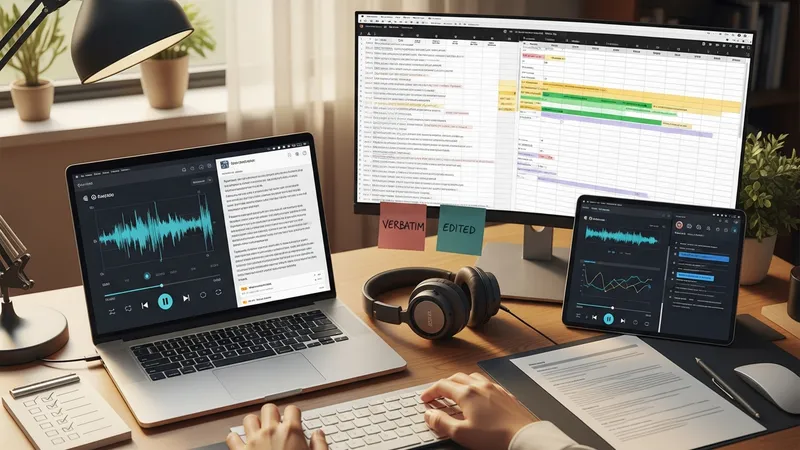
Structured data-entry workflows frequently employ templates or forms to standardize input and reduce manual errors. Workers may use spreadsheet functions like data validation, conditional formatting, and simple formulas to detect outliers before submission. For document formatting tasks, an initial template check and consistent application of headings, fonts, and margins can limit revision cycles. In many workflows, a brief metadata file accompanies deliverables to indicate word counts, time codes, or conversion notes that aid client intake processes.
Audio-based workflows often introduce additional steps such as noise reduction, speed-adjusted playback, and timestamps insertion. Some practitioners use dedicated transcription software to control audio playback and mark difficult segments for later review. For multilingual or technical content, workers may prepare a glossary of recurring terms to preserve consistency. These preparatory measures typically reduce time spent on revisions and may improve the match between the deliverable and the requester’s quality expectations.
Workflow transparency can be enhanced by simple conventions: versioned filenames, clear status indicators (e.g., draft, final), and an explicit list of elements included in the submission (word counts, time codes, applied style rules). Such conventions may reduce back-and-forth communications and make it easier to manage multiple concurrent tasks. The next section looks at scheduling and pacing considerations that affect these typical workflows.
Scheduling in remote typing roles generally balances flexibility with deadline commitments. Workers often organize time into focused blocks for typing or listening, interspersed with short breaks to reduce fatigue and maintain accuracy. Estimating pacing may involve calculating an average words-per-hour or minutes-of-audio-per-hour rate based on prior experience; these averages can vary by audio clarity, subject complexity, and required formatting. Conservative estimates and buffer time for reviews can help meet client deadlines without compromising quality.
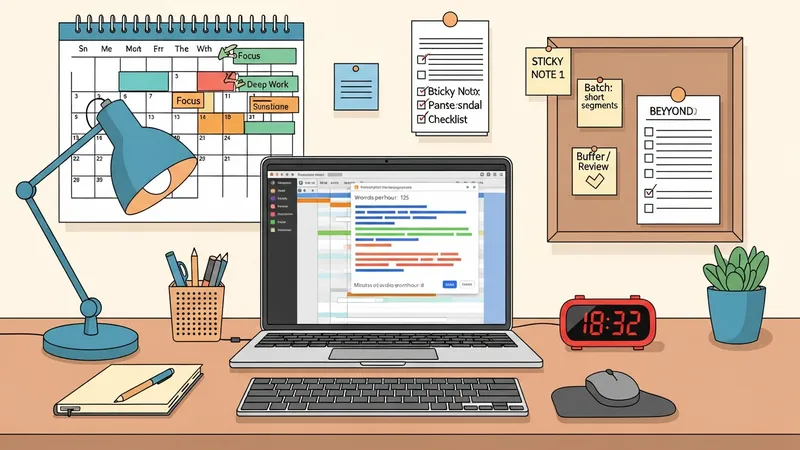
Batching similar tasks often improves efficiency: grouping short, repetitive entries or transcribing several short audio segments sequentially can reduce cognitive switching costs. Time-tracking tools may be used to record how long classes of tasks take, supporting more accurate future estimates. When handling variable workloads, priorities commonly set by deadlines and client impact guide sequencing; transparent communication about capacity and realistic turnaround windows typically reduces later conflicts.
Common scheduling considerations also include peak hours for communication and expected response times from clients or platform reviewers. Some workflows require synchronous coordination for clarifications, while others allow asynchronous exchanges. Workers may create a simple calendar of due dates and working blocks to prevent overlaps. Regularly reviewing average throughput and adjusting planned working sessions can help maintain steady delivery and avoid last-minute crunches.
Managing workload may also involve deciding when to use templates, automation, or simple macros to accelerate repetitive formatting tasks. These efficiency aids can reduce manual time spent on routine steps and free capacity for tasks that need more attention. The next section discusses the communication and collaboration tools that commonly support these scheduling and workflow activities.
Digital communication in remote typing work commonly relies on email, shared document links, and messaging platforms to exchange files and clarify requirements. Shared cloud documents enable live collaboration and reduce version-conflict risks when both requester and worker need to make edits. Messaging tools can be used for brief clarifications, while email often holds formal instructions and attachments. Selecting a consistent delivery method and file format at the outset typically reduces confusion and streamlines review cycles.
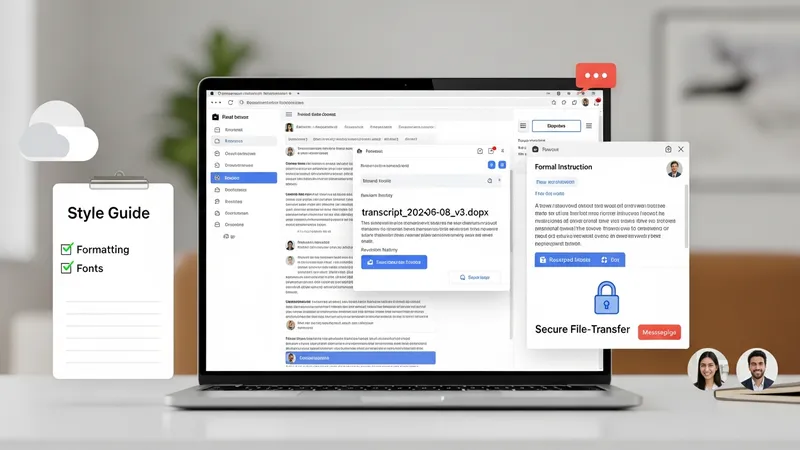
Version control practices help track revisions and prevent accidental overwrites. Naming conventions that include dates and version numbers and using platforms with revision histories can provide traceability. For audio or large files, secure file-transfer services or encrypted links are often recommended by requesters; workers should confirm acceptable methods before sending sensitive material. Where style guides or formatting rules are supplied, attaching a short checklist to the submission can clarify which items were applied.
Collaboration can also be facilitated through brief handoff notes that explain non-obvious decisions (e.g., expansions of unclear abbreviations, flagged inaudible segments). For repeated or ongoing work, creating shared glossaries, formatting templates, and example deliverables may reduce repetitive clarifications and align expectations. Asynchronous reviews are common, with the requester leaving comments in documents or providing consolidated feedback that the worker then applies to subsequent tasks.
Tools and platforms change over time, so keeping familiar with common collaborative features—commenting, suggestions, tracked changes, and export options—can help ensure deliverables meet technical and editorial requirements. The final page examines the essential skills, equipment, and quality-control practices that underpin reliable remote typing work.
Core skills for remote typing roles typically include accurate keyboarding, careful proofreading, and familiarity with common document formats and editing tools. Typing speed and accuracy are useful indicators of potential throughput, but attention to formatting rules, terminology consistency, and client-specific style remains equally important. Soft skills such as clear written communication for clarifying ambiguous instructions and timely status updates can also affect how smoothly workflows progress.
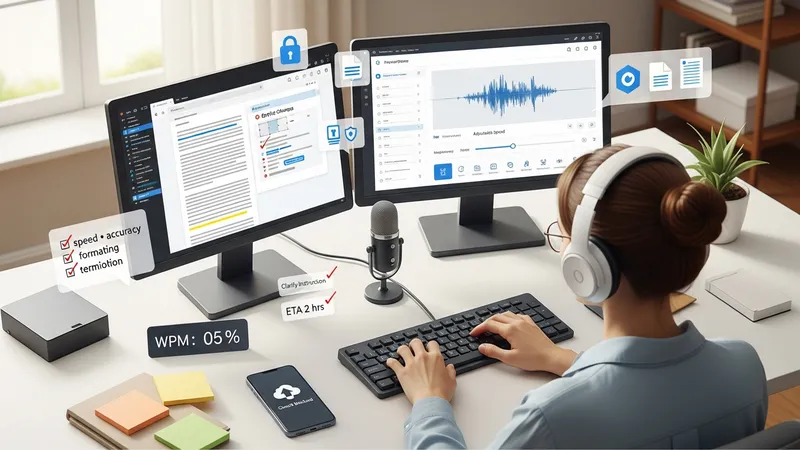
Equipment needs are generally modest: a reliable computer, up-to-date word-processing software, and a stable internet connection. For audio-focused tasks, a quality pair of headphones and a transcription player or software that supports adjustable playback speed and hotkeys may be beneficial. Using backups and cloud storage helps protect against data loss. Where sensitive data is involved, basic security measures such as encrypted transfers and password-protected files may be requested by the requester.
Quality control commonly combines self-review, automated checks, and adherence to supplied style rules. Workers often run spell-checks, scan for consistent formatting, and verify numerical entries or timestamps against source materials. Some platforms or clients employ spot checks or sample reviews; understanding typical acceptance criteria—such as allowable error rates or formatting tolerances—can reduce revisions. Continuous incremental improvement, informed by feedback, tends to raise both speed and consistency over time.
Expectations vary across task types, so obtaining clear specifications at the start is a practical step. Examples include whether transcripts should be verbatim, how to handle unintelligible audio segments, or which file formats are acceptable. Presenting a brief summary of applied conventions with each submission can clarify fulfilment of those expectations. Ongoing familiarity with tools, prudent time estimation, and attention to quality form the foundation of sustainable, transparent remote typing work.